
I recently integrated Epic’s cloth shading model (inverse GGX and Ashkimin) into the Substance Designer shader I written a few months ago.
You can grab it here – github.com/Calvinatorr/SubstanceShaderUE
I integrated the logic of the inputs to parallel Epic’s for parity (i.e. Fuzz Colour = F0 when Metallic=1).
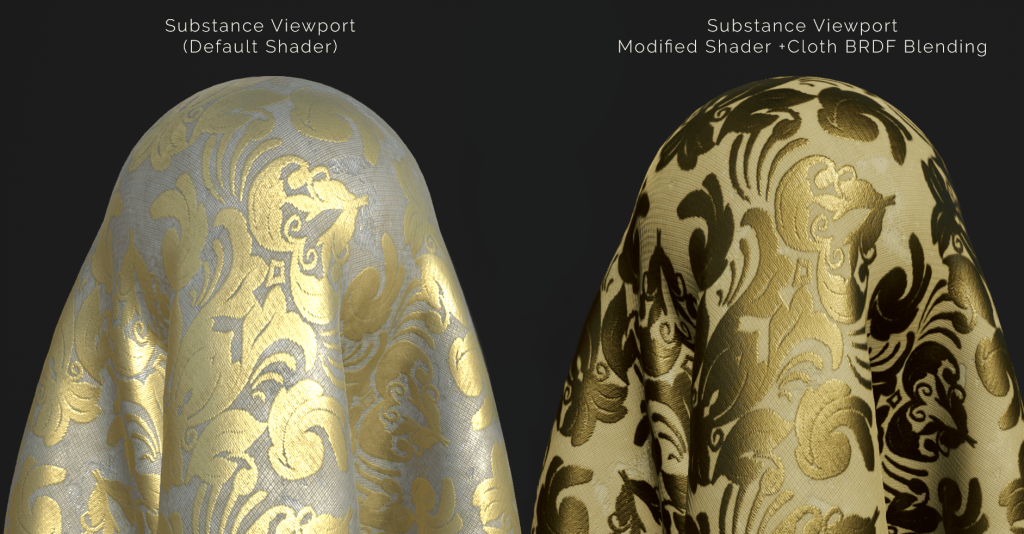
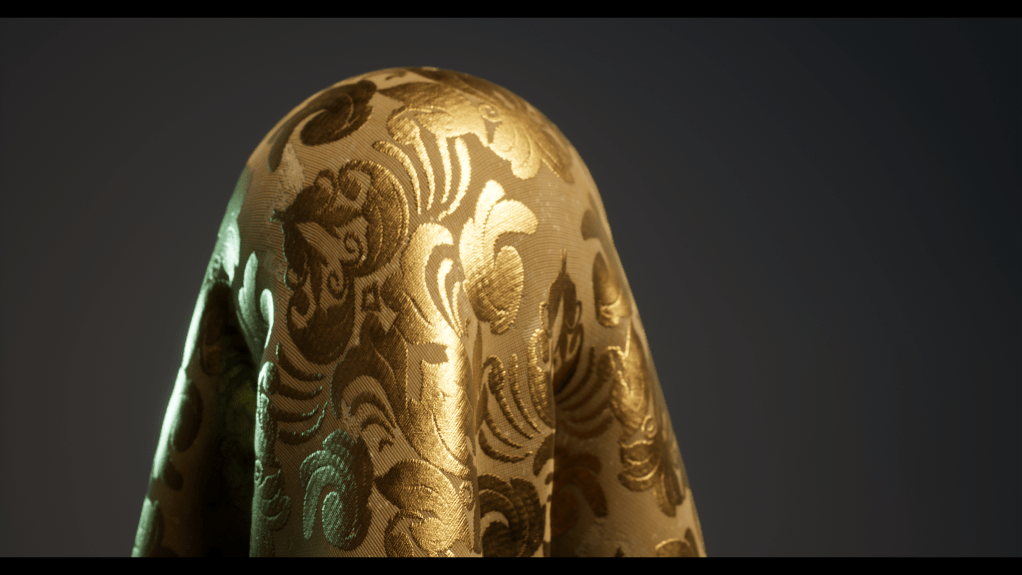
(lighting setup is different)
Inputs
What each input does:
- Base Colour (Albedo) – Determines the diffuse colour. Metal=1 will blend the albedo to black
- Roughness – Controls the falloff of the rimlight effect (this is actually the specular reflection). Avoid low values where cloth appears glossy. Higher values make cloth appear thick.
- Metallic
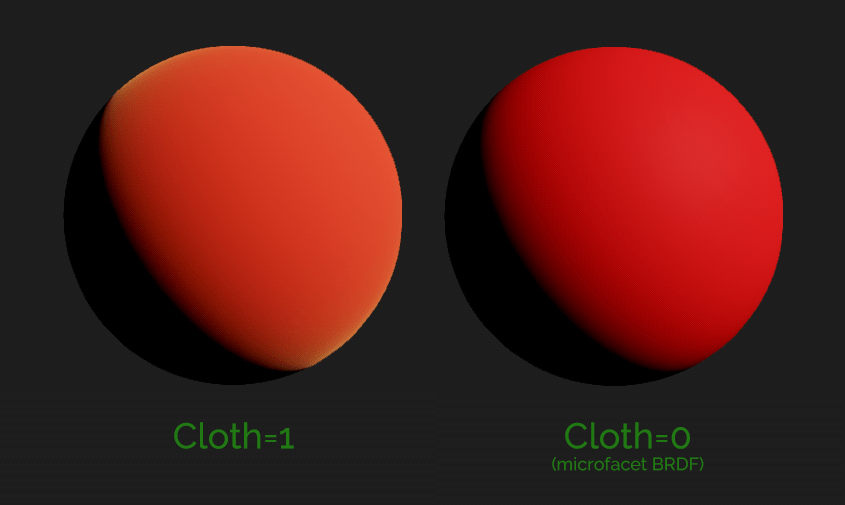
- Cloth – Controls the BRDF; 0=microfacet (default shading), 1=cloth BRDF
- Fuzz Colour – Reflectance/F0/Specular Colour of the cloth. When metal=1, the reflectance is still the Fuzz Colour, not the Albedo like in the microfacet model!
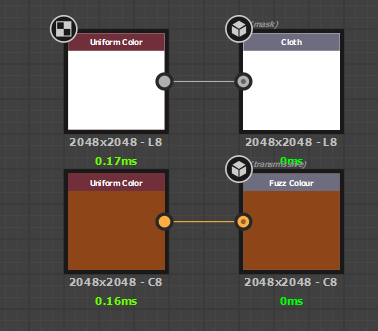
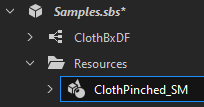
Sample Graph

Recommendations
Use the directional light & disable IBL (3D View>[material]>Edit) to best see how light will interact.
Balance the albedo & fuzz colour.
Use roughness values above 0.3. Mid value ranges (0.4-0.8 seem to work best).
 Luna's Technical Art Blog